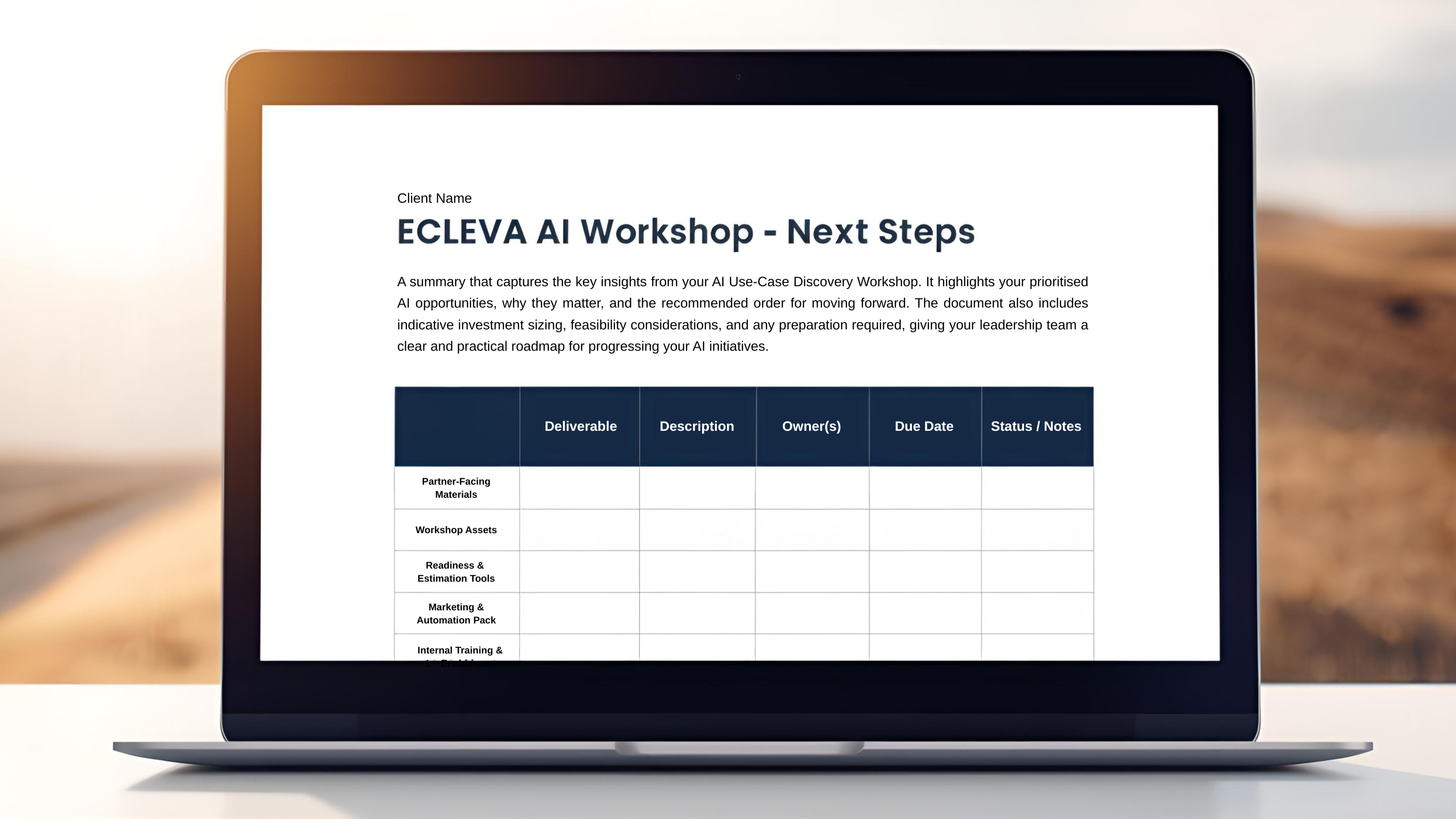

Business Central provides a strong foundation — third-party add-ons extend it to meet your specific operational, industry, and compliance requirements.
Third Party Add-Ons
Extending Business Central to Fit Your Business
Why Add-Ons Matter
No ERP system fits every organisation out-of-the-box. Add-ons allow you to:
Extend functionality without heavy customisation
Address industry-specific requirements
Automate specialised processes
Accelerate time-to-value
Our Approach
We take a structured approach to selecting and implementing add-ons:
Assess Your Business Requirements
Stage 1
Assess Your Business Requirements
Recommend Best-Fit Solutions
Stage 2
Recommend Best-Fit Solutions
Ensure Seamless Integration with Business Central
Stage 3
Ensure Seamless Integration with Business Central
Avoid Unnecessary Complexity and Duplication
Stage 4
Avoid Unnecessary Complexity and Duplication
Capability Areas
Finance & Accounting
Extend financial management with advanced reporting, consolidation, and compliance capabilities.
Examples include:

Jet Reports
Real-time financial reporting directly from Business Central into Excel.

Solver
Cloud-based financial reporting, budgeting, and consolidation platform.
Continia Finance
Extends financial management with automation for payments, expenses, and compliance.
Bank Feeds & Payments
Automate bank integrations and streamline reconciliation and payment processes.
Examples include:

Yavrio
Automates bank feeds and reconciliation by connecting directly to your banking systems.

ExFlow
Streamlines accounts payable with automated invoice processing and payment workflows.
Continia Banking
Simplifies payment processing and bank reconciliation within Business Central.
Warehouse & Inventory (WMS)
Enhance inventory visibility and warehouse operations with real-time tracking and automation.
Examples include:

Tasklet Factory WMS
Mobile barcode scanning solution for efficient warehouse and inventory management.

Insight Works
Enhances warehouse operations with tools for inventory control and logistics automation.

Lanham WMS
Provides advanced warehouse management including picking, packing, and shipping workflows.
Manufacturing & Production
Support production planning, scheduling, and shop floor operations.
Examples include:
NETRONIC
Visual production scheduling and planning tools for improved operational control.
Insight Works Manufacturing
Adds manufacturing capabilities including production, planning, and shop floor management.

To-Increase
Industry solutions extending Business Central for complex manufacturing and distribution.
Document & AP Automation
Reduce manual processing through automated invoice capture and approval workflows.
Examples include:
Continia Document Capture
Automates invoice capture and data extraction directly into Business Central.

Zetadocs
Simplifies document management, storage, and workflow automation.
ExFlow
Automates invoice approval workflows and accounts payable processes.
eCommerce & Customer Channels
Connect Business Central with digital sales platforms and customer touchpoints.
Examples include:

Shopify Connector
Seamlessly integrates Shopify with Business Central for orders, inventory, and customers.

Sana Commerce
Builds fully integrated eCommerce platforms powered by Business Central data.

DynamicWeb
Combines eCommerce, CMS, and PIM integrated with Business Central.
Security & Compliance
Strengthen governance, access control, and auditability across systems.
Examples include:

Netwrix
Provides visibility and control over data access, security, and compliance.
ForNAV
Enhances reporting and document generation with greater control and governance.
Continia (Audit/Compliance)
Supports auditability and compliance through structured financial processes and logging.
Data, Reporting & Utilities
Extend reporting, integration, and data management capabilities.
Examples include:

Power BI
Interactive dashboards and analytics built directly on Business Central data.
Jet Reports
Flexible financial and operational reporting within Excel.
Industry Solutions
Leverage pre-built solutions tailored to specific industry requirements.
Examples include:

Microsoft AppSource Solutions
A wide range of industry-specific applications tailored to sectors like construction, manufacturing, and services.